
Actually read it.
You saved 347 articles last year. You read 12.
That changes now.
You saved 347 articles last year. You read 12.
That changes now.
How it works
No accounts, no feeds to configure. Just save, read, and move on.
Tap the Share button on any webpage and select Still Reads. The article is saved instantly for later.
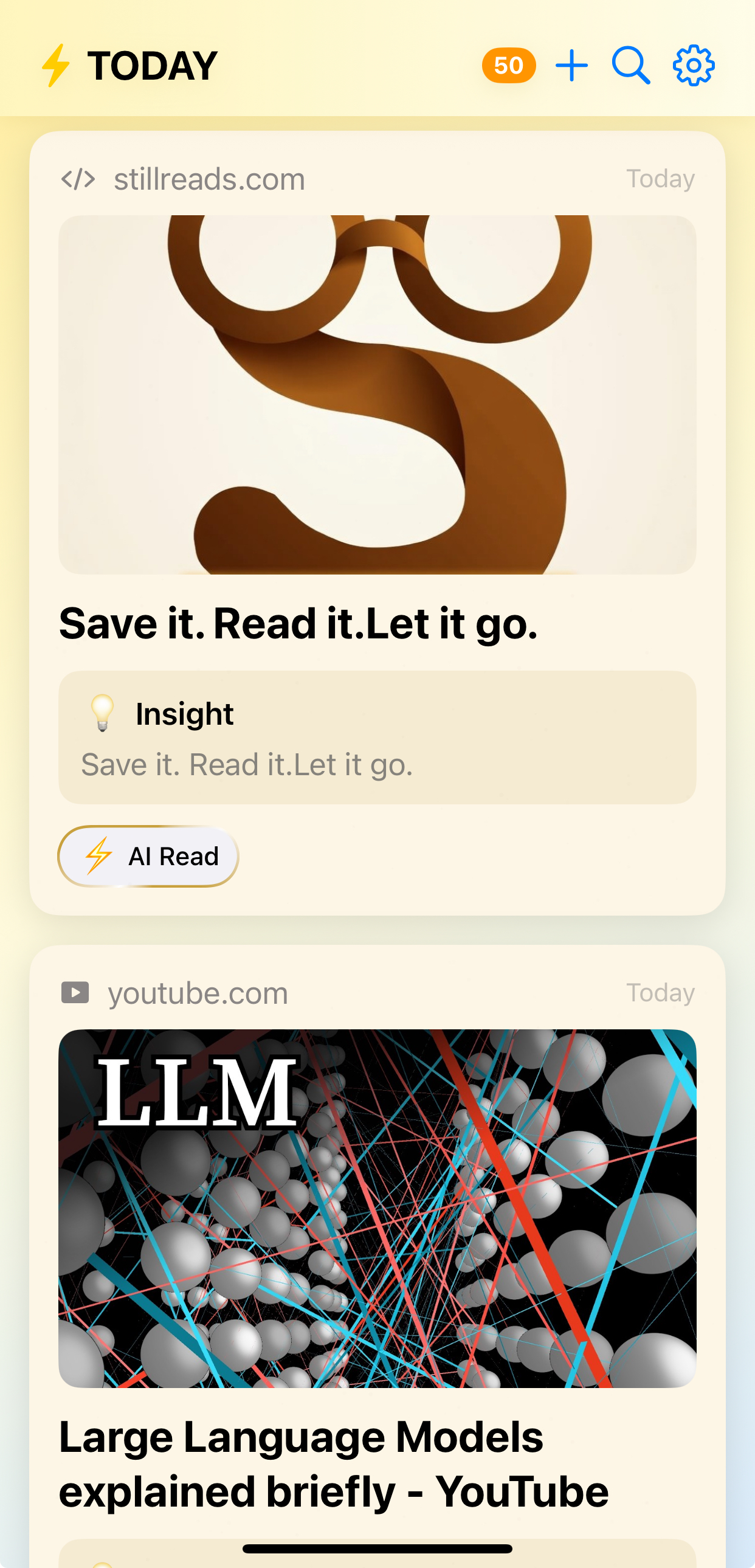
Open your feed of beautiful cards. Read the AI summary for a quick take, or dive into the full article offline.
Done reading? Swipe left to discard. No hoarding. Your feed stays clean and focused on what matters now.
Features
Every feature is designed to help you actually read what you save, not just collect it.
Apple Intelligence generates catchy titles and one-sentence summaries so you can decide what's worth your time at a glance.
Articles are extracted and cached locally. Read anywhere, even without a connection. Your reading doesn't depend on the internet.
Scan image-heavy pages or PDFs with a beautiful magnifier overlay. Chinese and CJK languages fully supported.
Articles are automatically classified into 16 categories using domain matching, AI classification, and keyword analysis.
Mark important passages with color-coded highlights and attach personal notes. Pick up exactly where you left off.
Your saved articles sync across all your devices through iCloud. Save on your iPhone, read on your iPad.
Philosophy
"Read it as a paper later — and when you're done, let it go."
Still Reads is built on an anti-hoarding philosophy. Most read-it-later apps become digital guilt piles. Still Reads is designed so you actually read things, then move on with a clean slate.